Charge Status
Charge Status: Live charge speed, worked out from the battery.
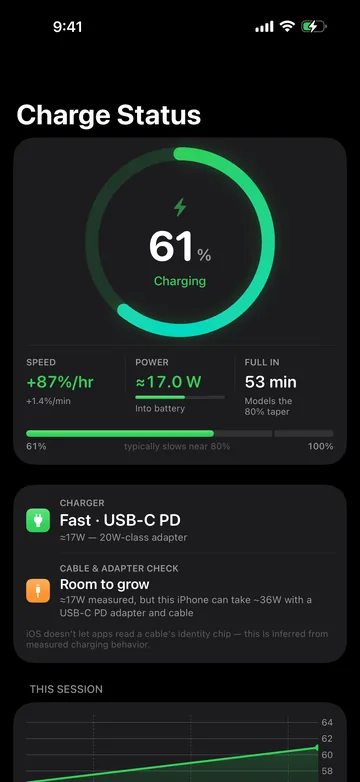
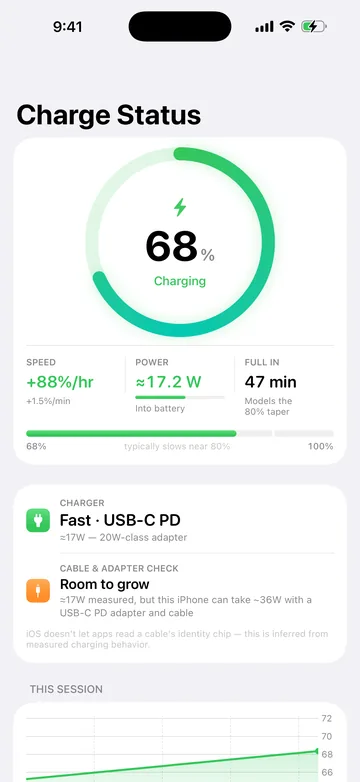
Open Charge Status while your iPhone charges. Within a few minutes it shows percent per hour, estimated watts and a time to full, and it labels which numbers are measured and which are estimates.
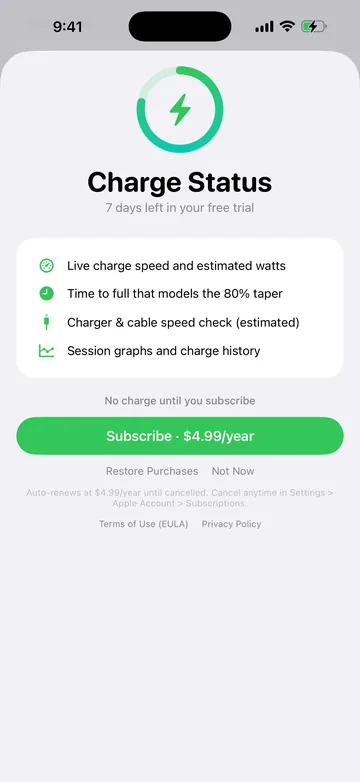
Free download with a 7-day trial, then $4.99 a year · Requires iOS 26 or later.
Screens are from an earlier version, with sample readings.
Why it exists
iOS doesn’t tell you how fast your iPhone is charging, and apps can’t read a charger’s wattage or a cable’s identity. So it is hard to know whether the adapter or cable is slowing you down.
What it does
Live charge speed
Percent per hour from the battery’s actual rate of change, with estimated watts converted using your iPhone model’s battery capacity.
Time to full
The estimate allows for the slower trickle stage above 80%, instead of assuming the battery fills at a steady rate.
Charger and cable check
Grades your charger and cable against what your iPhone model can accept. It is an estimate, inferred from charging behaviour.
Session history
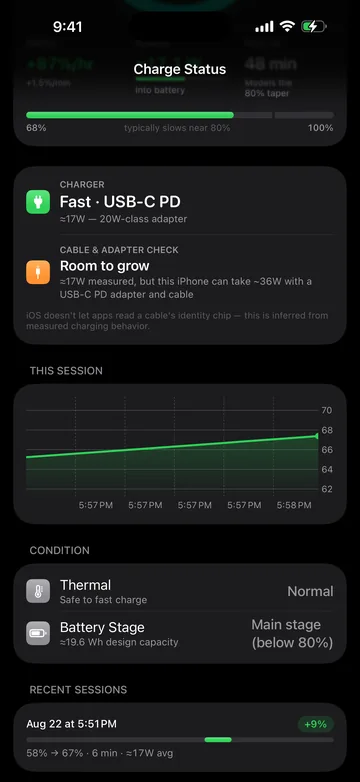
A battery-level chart for the current session, and a list of recent charges with their range, duration and average watts.
Thermal and charge stage
Shows thermal state, the charge stage (main stage below 80%, trickle stage from 80%) and whether Low Power Mode is on.
Stays on your iPhone
The app has no ads, analytics or tracking. Measurements are computed and stored on your iPhone. App Store label: Data Not Collected.
Screens
Screens are from an earlier version, with sample readings. · scroll for more
- Availability
- On the App Store
- Platforms
- iPhone
- Requirements
- Requires iOS 26 or later.
- Price
- Free download with a 7-day trial, then $4.99 a year
- App Store
- View listing
- Support
- info@praptiyogi.app
- Privacy
- Privacy policy
- Terms
- Terms of use