
Ownfold
Ownfold: Your files. Your server. Your rules.
Ownfold is file storage, sync and sharing that runs on your own server. Every file is encrypted on the device that uploads it, and the server never holds a key to open it. It is in early development and has not had an independent security audit.
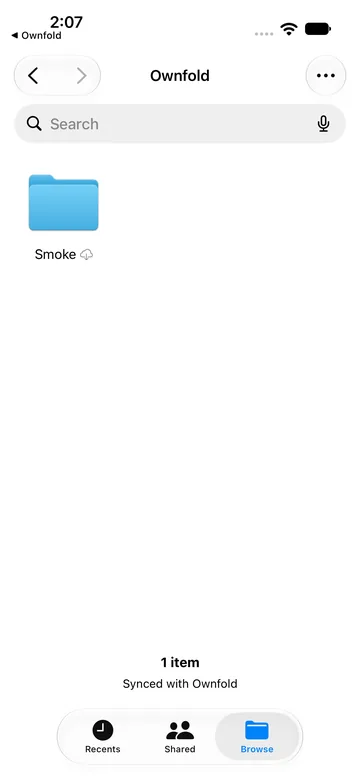
Not released yet. The server runs in Docker; the iPhone app has run only in the iOS Simulator, and Android is planned.
Why it exists
Most services that store and share files keep them on a cloud provider’s servers. Ownfold keeps them on a server you run, such as a NAS, Mac mini or VPS, encrypted before they leave your device.
What it does
Encrypted on your device
Contents, names and thumbnails are encrypted before upload, so the server stores only ciphertext and holds no key that opens it.
What the server sees
The server sees your email and display name, file counts and sizes, folder nesting, change times, and who shares with whom, in which role.
Sharing by role
Share with other accounts on your server as viewer, uploader, editor or manager; each grant is signed.
Links and file requests
Links keep the key after the # and can have a password, expiry or download limit; file requests take uploads without showing anything else.
The whole household
Each person gets their own account and encrypted library; the owner sets storage limits but cannot open anyone else’s files.
No silent overwrites
Earlier versions stay for 90 days and trash for 30 by default, and a file changed on two devices keeps both copies.
In practice
Kept on a server you run
The server runs in Docker on a NAS or a computer at home that stays on. It keeps files, versions, trash and links, and stores only ciphertext. The setup works end to end in testing.
Opened in Finder on a Mac
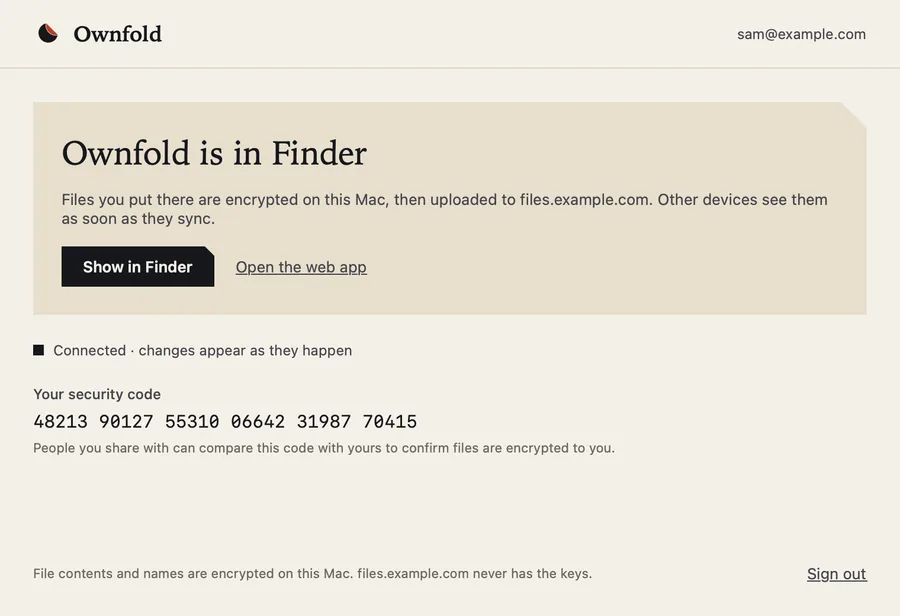
The Mac app puts Ownfold in Finder. In a signed development build you can browse and open encrypted files, add files and folders, edit, rename, move and delete. It isn’t available to download yet.
Reached from a browser
The early web app talks only to your own server; there is no hosted version. Upload, browsing, previews and public links work.
Screens
Screens from the app · scroll for more
- Availability
- In development
- Platforms
- Mac · Web
- Requirements
- Not released yet. The server runs in Docker; the iPhone app has run only in the iOS Simulator, and Android is planned.
- Website
- ownfold.app
- Contact
- info@praptiyogi.app